

Not another journal app.
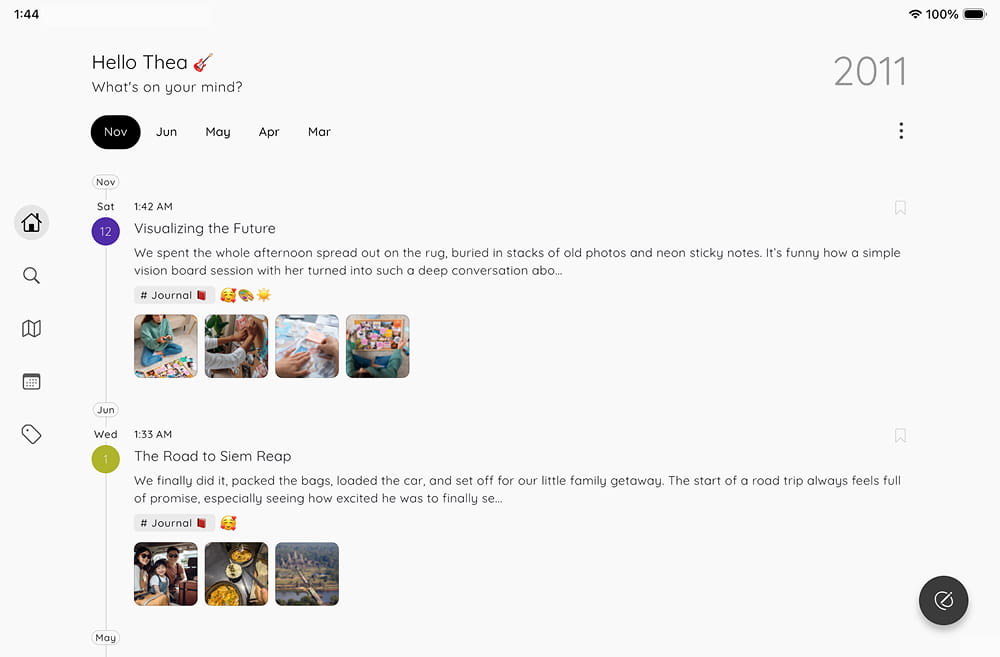
A timeline for your life.
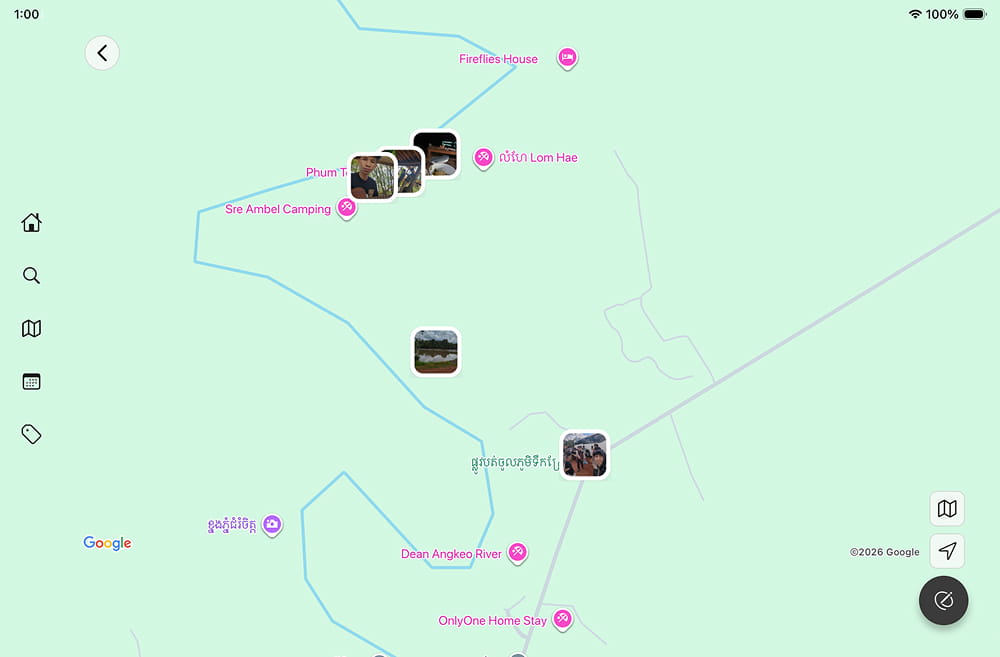
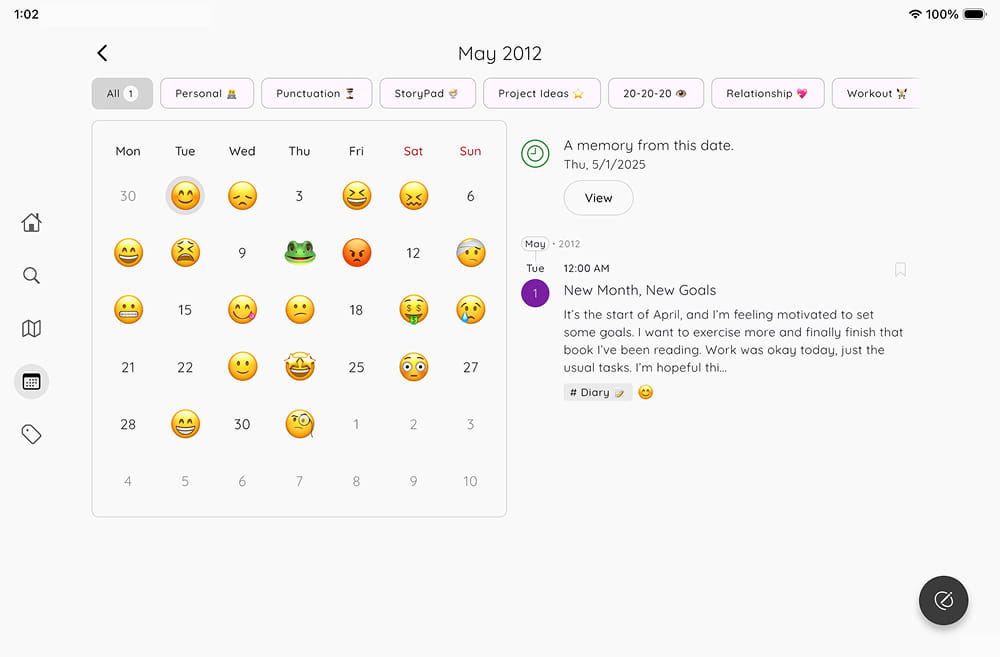
StoryPad lets you capture everything - notes, thoughts, emotions, workouts,
travels - on a single continuous timeline.
No folders.
No tabs.
Just your life, beautifully organized.


Why split your life into folders?
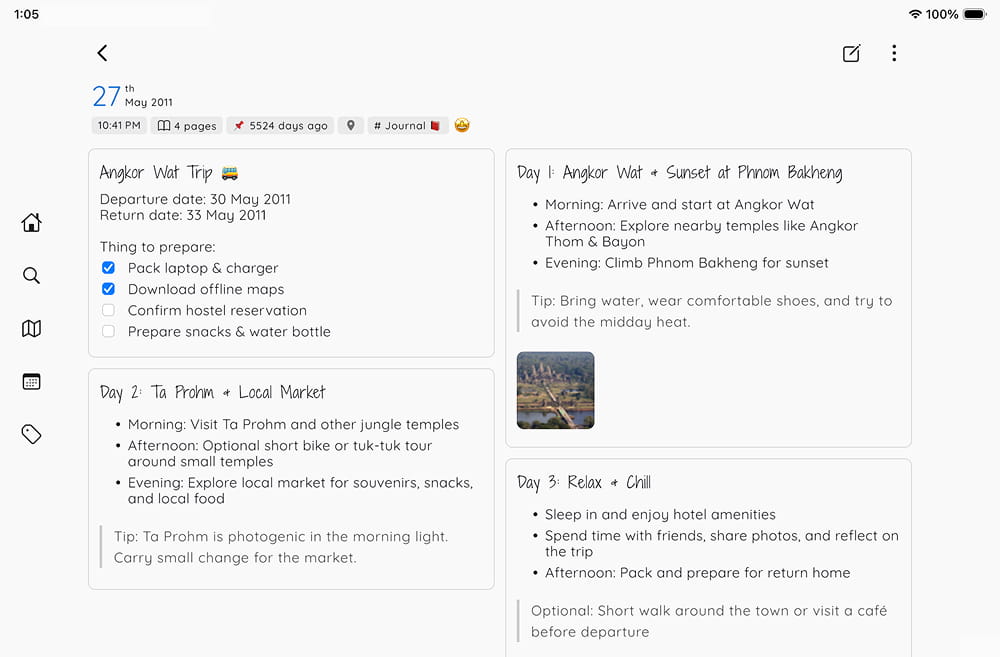
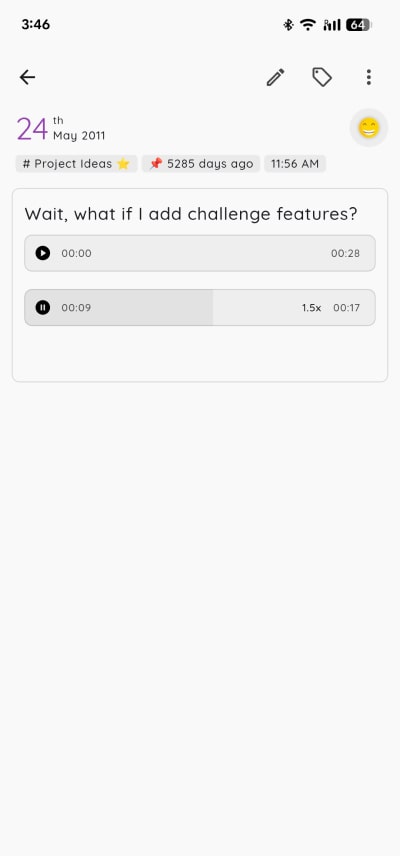
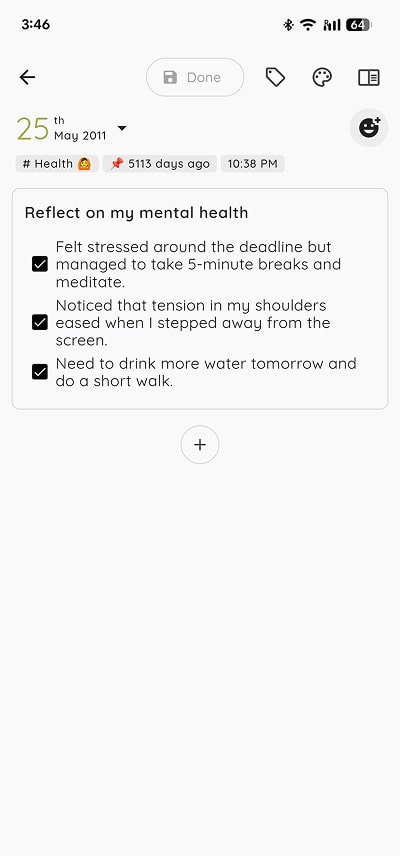
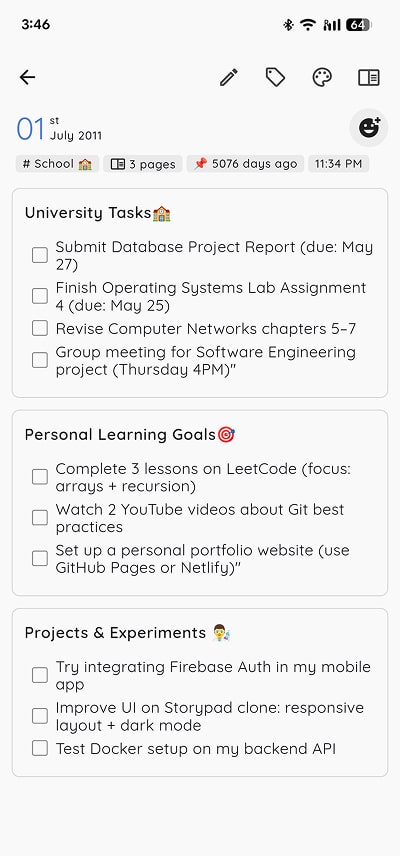
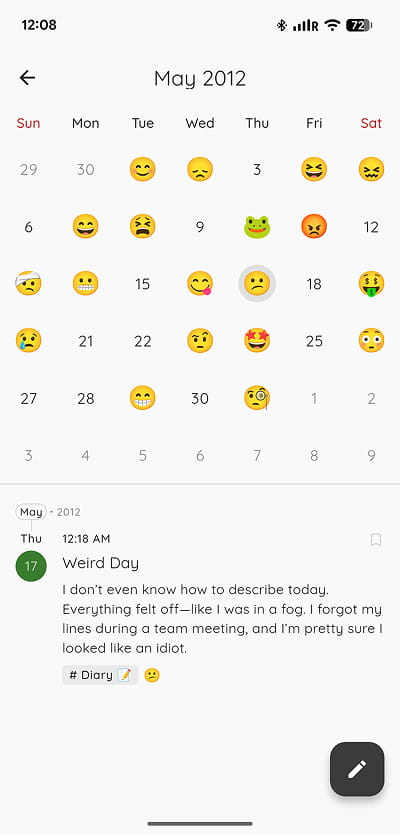
You don't live in categories, so why journal in them? StoryPad is designed for how you actually live - with a unified, chronological flow that brings everything together: thoughts, todos, memories, and more. Just write - we'll handle the rest.



People Love StoryPad.
It's perfect for my personal needs. I got the premium because it's almost always worth it for me in this case. It's not too complicated but also offers a lot of customization. I think I also appreciate that it isn't overly distracting? It keeps things very straightforward so you don't get lost amongst the weeds, which I feel many apps in general tend to do these days.
Jul 13, 2026
I've settled for this app after searching through so many diary journal apps. First, because it doesn't contain any ads at all, which I'm so grateful for. Second, I liked the simplicity of the interface. I can add images, emojis, weather, and background wallpaper. It also has a lot of different font styles, which makes the app cooler than any other similar app. Also, I can customize the app's icon! 😍 And the developer gives free stickers online, it's so nice. Thank you for this app! 🥰✨
May 6, 2026
This app is exactly what I was looking for. I wanted a simple way to journal and do creative writing in one place with better organizational tools than a simple notes app could offer. I also wanted to be able to track moods and symptoms without all the statistics of a mood app, as those can create obsessiveness for me. All basic functionality is available up front. Paid add-ons are very low-cost and feel like a way to thank the devs for their hard work rather than being nickel and dimed.
Mar 5, 2026
Trusted by tech community
Featured by XDA, It's FOSS and MakeUseOf for our commitment to open-source and user privacy.

Got questions?
1. Is StoryPad free to use?
Yes. StoryPad is free to use with no ads, and all core journaling features are available in the free experience.
If you want extra premium features, you can unlock them with a one-time purchase (not a subscription).
2. Do I need an account to use StoryPad?
No account needed. You can use StoryPad completely offline - all your stories are stored locally on your device.
If you want to back up to Google Drive, you can connect your Google account, but we don’t store or manage your account anywhere. You have complete control.
3. Why do entries on StoryPad look different than other apps?
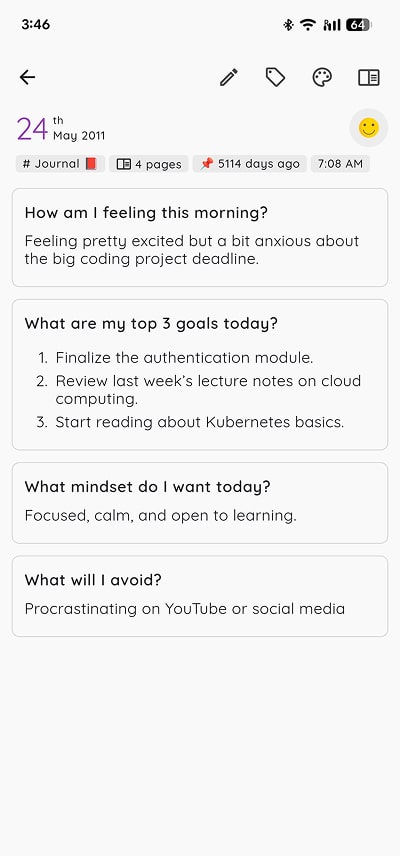
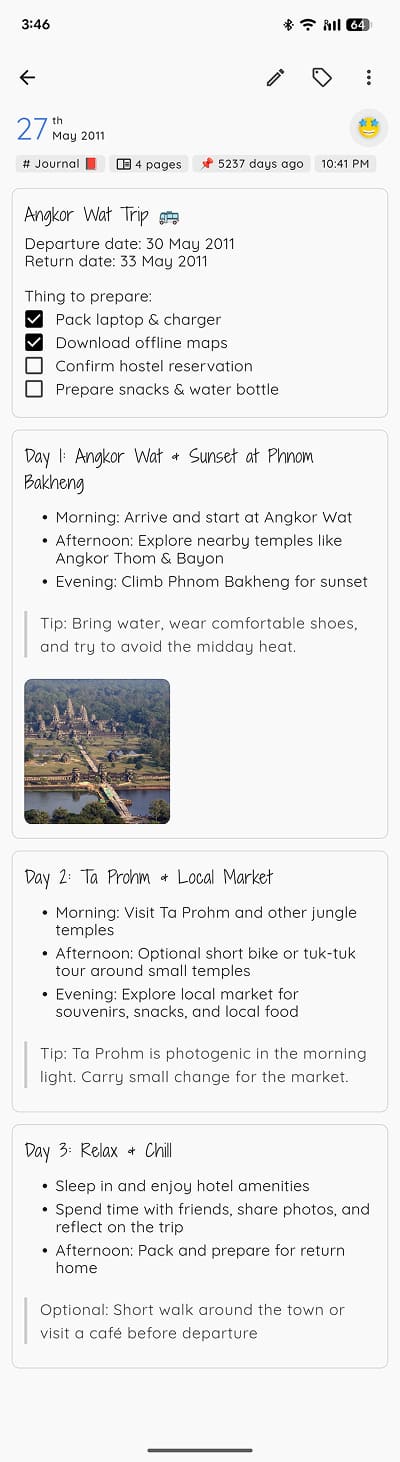
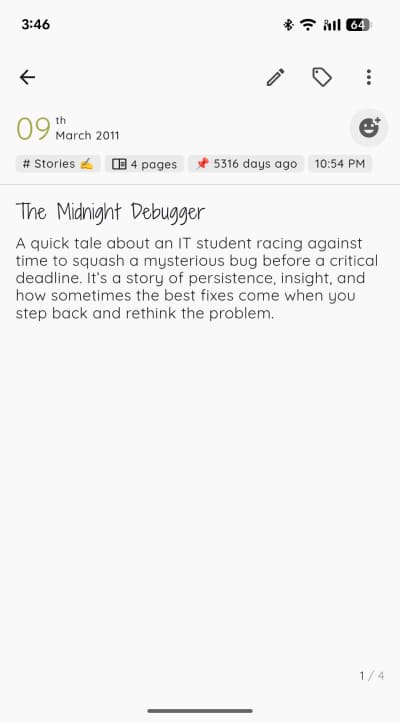
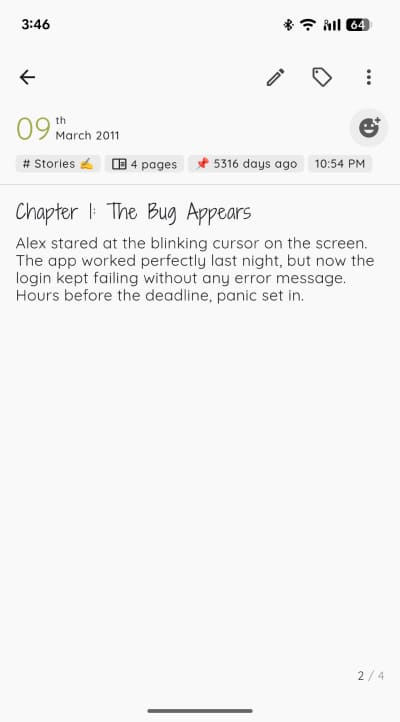
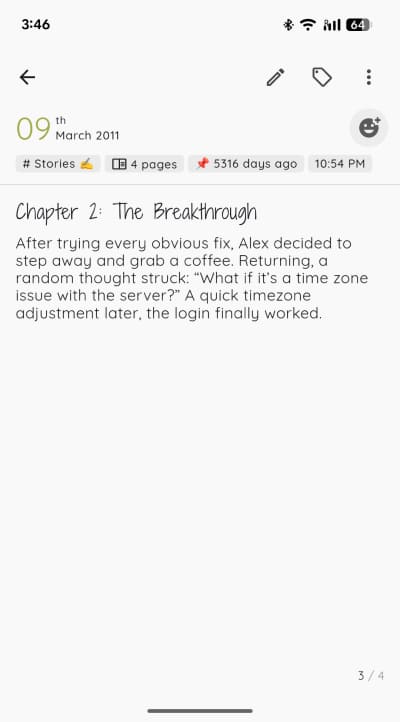
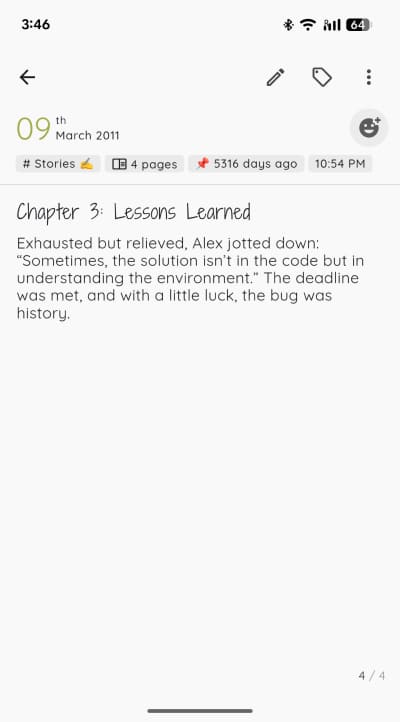
Unlike other journal apps, one entry in StoryPad can have multiple pages; so you can answer multiple questions or write multiple chapters all in one entry.
You can reorder, delete, or organize pages however you want with this structure.
Choose from layouts like list (for quick prompts), grid (for bullet journaling), or pages (for longer writing). It’s flexible for however you want to journal.
4. Does StoryPad support rich text editing?
5. Can I insert multiple images in StoryPad?
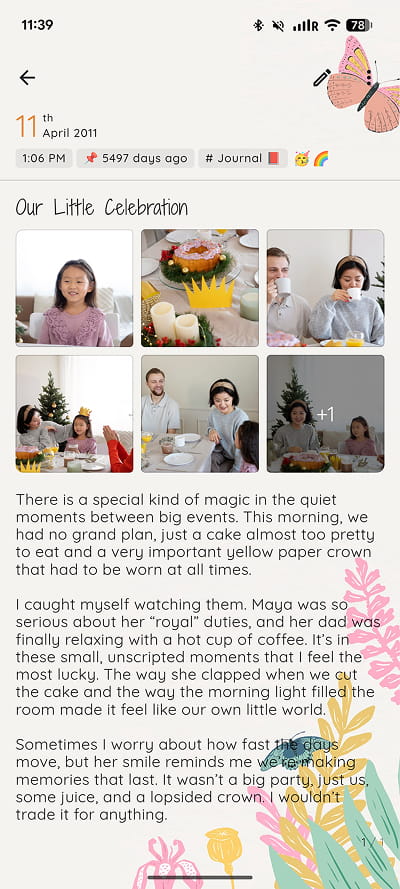
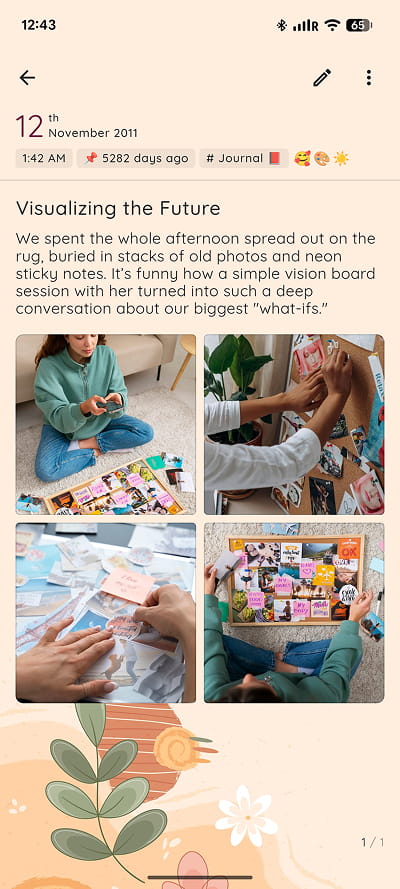
Yes! Add as many images as you want per entry - they’ll automatically combine into a beautiful album UI.
By default, images are compressed to save space while keeping almost the same quality. You can disable or re-enable compression anytime.
6. Is there a dark mode in StoryPad?
7. Does StoryPad auto-save?
8. Can I use it on multiple devices in StoryPad?
Yes. Your data is stored locally on each device for privacy. When you choose to back up or sync, StoryPad saves directly to your private Google Drive - no cloud servers or accounts involved.
To sync between devices, just tap “sync” on one device, then tap “sync” on the other. StoryPad will automatically download the latest version of your stories. If you edit the same entry on both devices before syncing, it will keep the most recent version.
9. Can I export my stories locally in StoryPad?
Yes. You can export your stories locally on your device in StoryPad format (.json), Markdown (compatible with Obsidian), or plain text (.txt).
This means you always have a copy - even without internet.