

Not another journal app.
A timeline for your life.
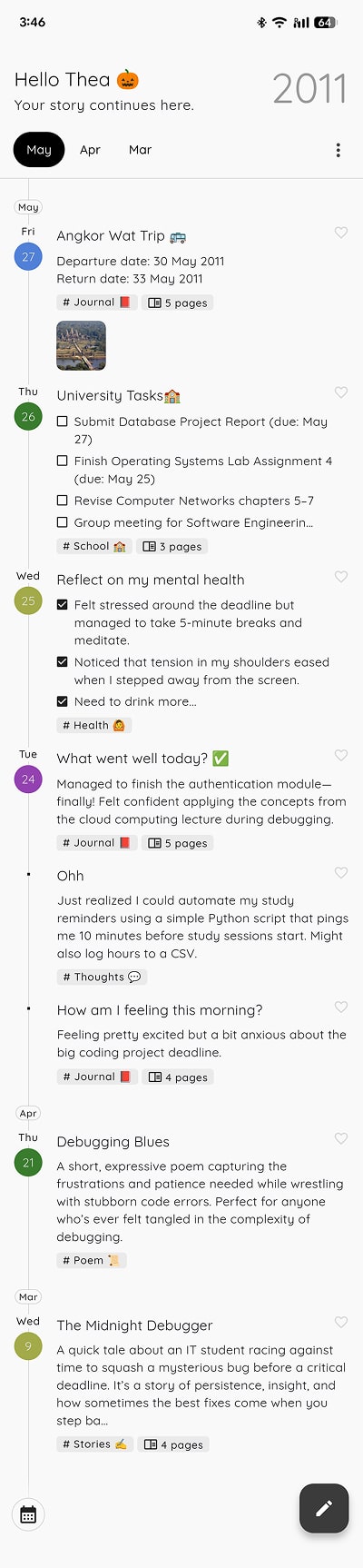
StoryPad lets you capture everything - notes, thoughts, emotions, workouts,
travels - on a single continuous timeline.
No folders.
No tabs.
Just your life, beautifully organized.


Why split your life into folders?
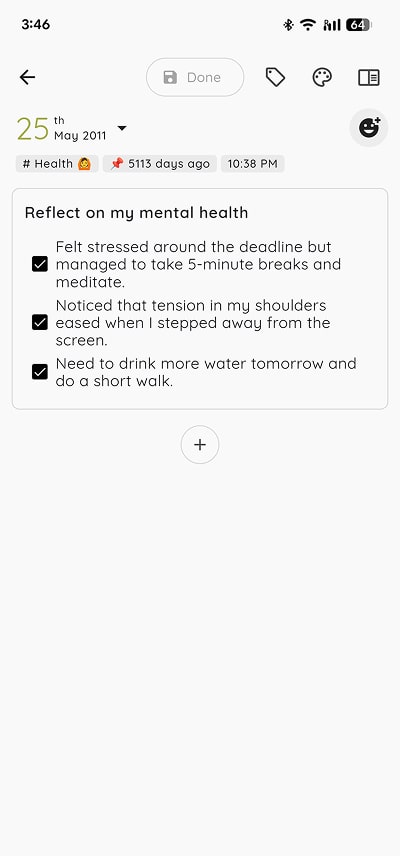
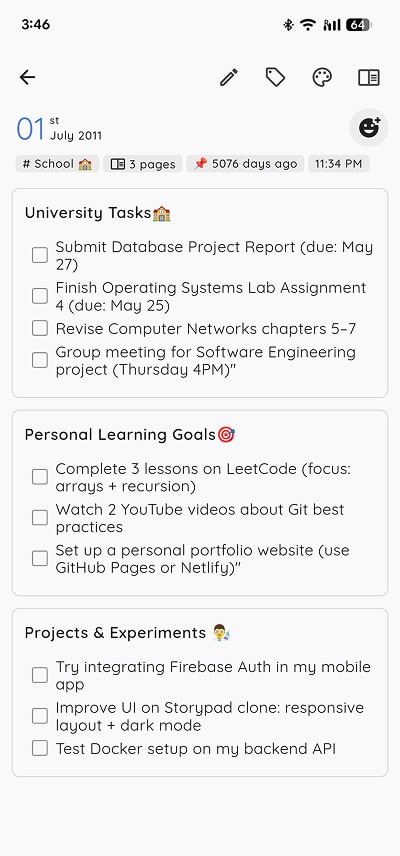
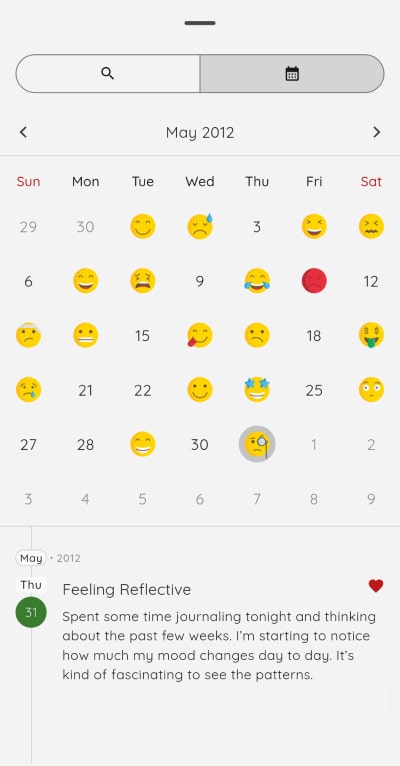
You don't live in categories, so why journal in them? StoryPad is designed for how you actually live - with a unified, chronological flow that brings everything together: thoughts, todos, memories, and more. Just write - we'll handle the rest.


Your story. Your device. Your Google Drive.
Your data stays on your device. You don't need internet to write or read your stories. When you back up, it goes directly to your Google Drive - not our servers. We can't see your files, we don't store your email. Just you & your stories. Our source code are open-source on GitHub for full transparency.
People Love StoryPad.
Great app, been using it for years. Love how the update handles multiple page files. Took a while to adjust to new layout but worth it.
May 20, 2025, 15:08
I love the app, and I highly recommend it for those looking for a simple and easy place to write, organize, and save their notes. It's probably the most secure app in terms of privacy, too. Keep up the good work!
Mar 7, 2025, 21:43
Fabulous app to give a voice to your creativity . Simple functions no hectic things just keep yourself the way you want .. Let your words flow .. Let your stories speak ... And there is also an App lock feature using which you can maintain your privacy .. It has helped me to tackle the billions of thoughts that come in my mind .. it's features are simple yet the best you can highlight the text bold it tag your stories .. I strongly recommend this app . I don't have words to praise it. Thanks♥
May 5, 2025, 21:02
Got questions?
1. Is StoryPad free to use?
2. Do I need an account to use StoryPad?
No account needed. You can use StoryPad completely offline - all your stories are stored locally on your device.
If you want to back up to Google Drive, you can connect your Google account, but we don’t store or manage your account anywhere. You have complete control.
3. Why do StoryPad entries look different than other apps?
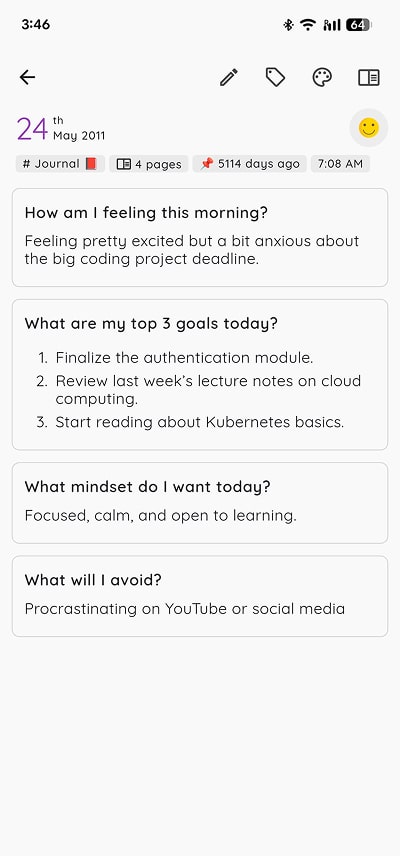
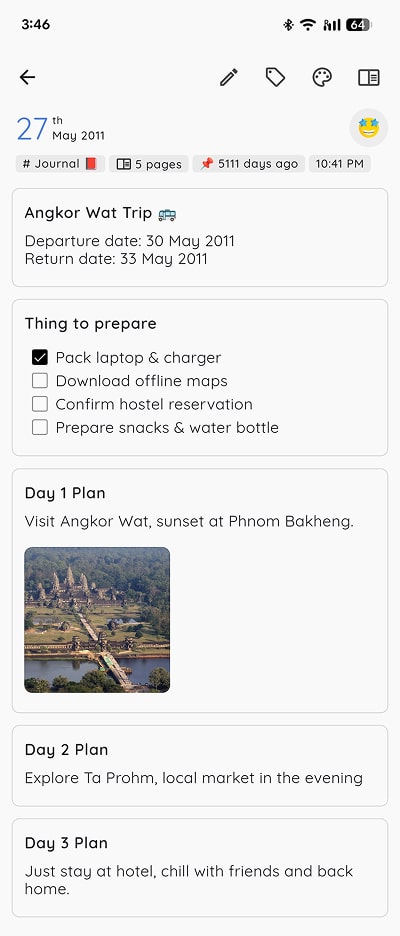
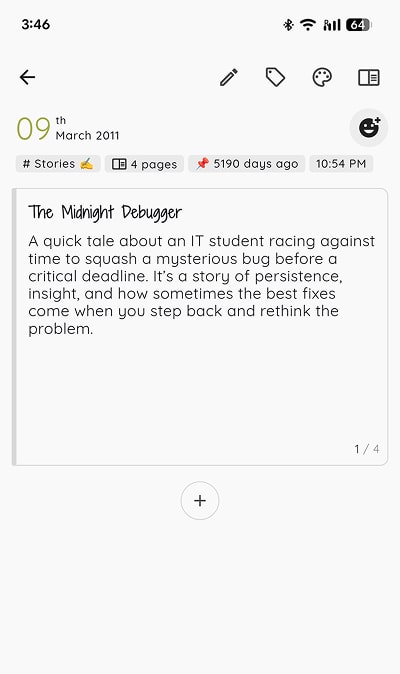
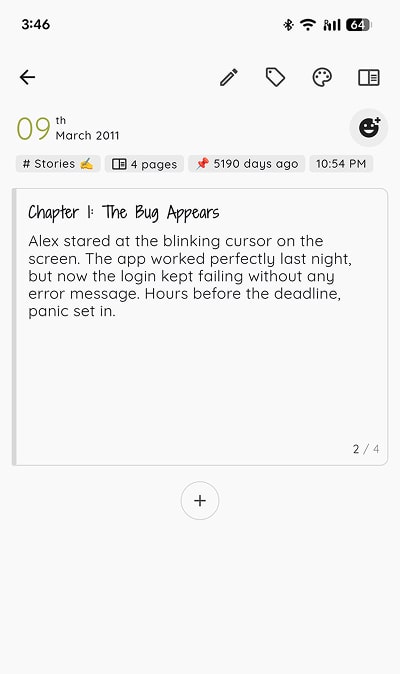
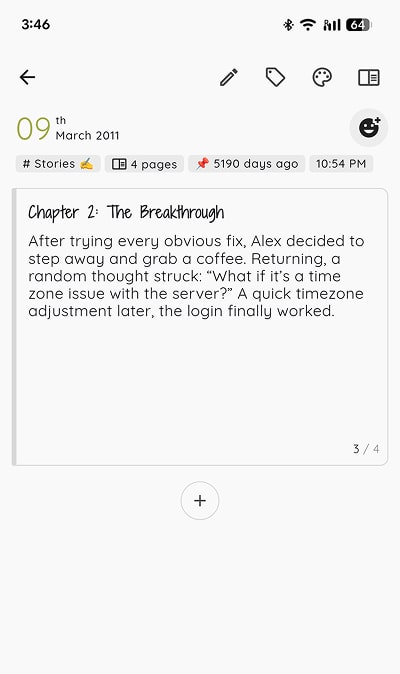
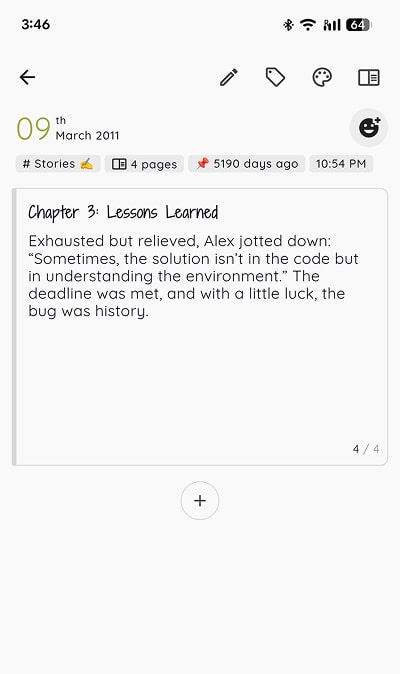
Unlike other journal apps, one entry in StoryPad can have multiple pages; so you can answer multiple questions or write multiple chapters all in one entry.
You can reorder, delete, or organize pages however you want with this structure.
Choose from layouts like list (for quick prompts) or pages (for longer writing). It’s flexible for however you want to journal.
4. Does StoryPad support rich text editing?
5. Can I insert multiple images in StoryPad?
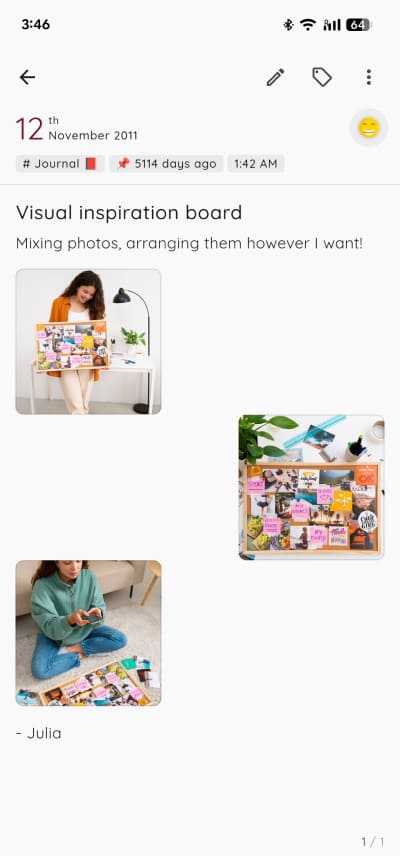
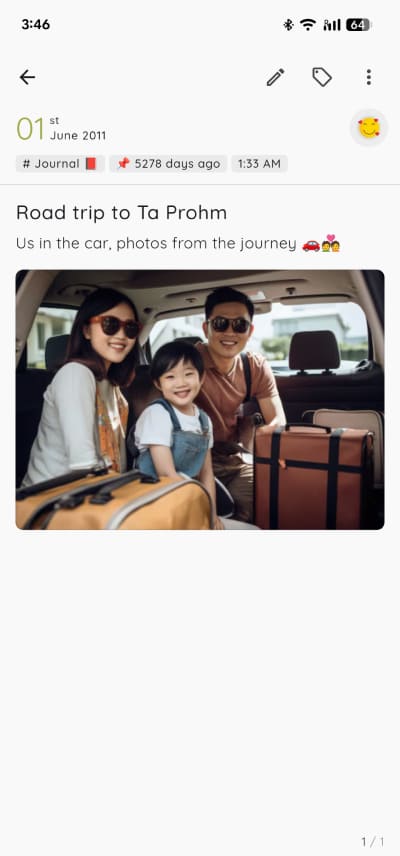
Yes! Add as many images as you want per entry. Images are stored without compression, so your photos keep their original quality, including metadata like capture date and location.
You can also align images (left, center, right) and resize them to fit your layout perfectly.
6. Is there a dark mode in StoryPad?
7. Does StoryPad auto-save?
8. Can I search my old entries in StoryPad?
9. Can I use it on multiple devices in StoryPad?
Yes. Your data is stored locally on each device for privacy. When you choose to back up or sync, StoryPad saves directly to your private Google Drive - no cloud servers or accounts involved.
To sync between devices, just tap “sync” on one device, then tap “sync” on the other. StoryPad will automatically download the latest version of your stories. If you edit the same entry on both devices before syncing, it will keep the most recent version.